
Connect Stripe for paid checkout
Set up Stripe before launch so buyers can pay and unlock the guide the first time they click.
OutcomeYour Settings page shows Stripe as connected or ready to finish setup.
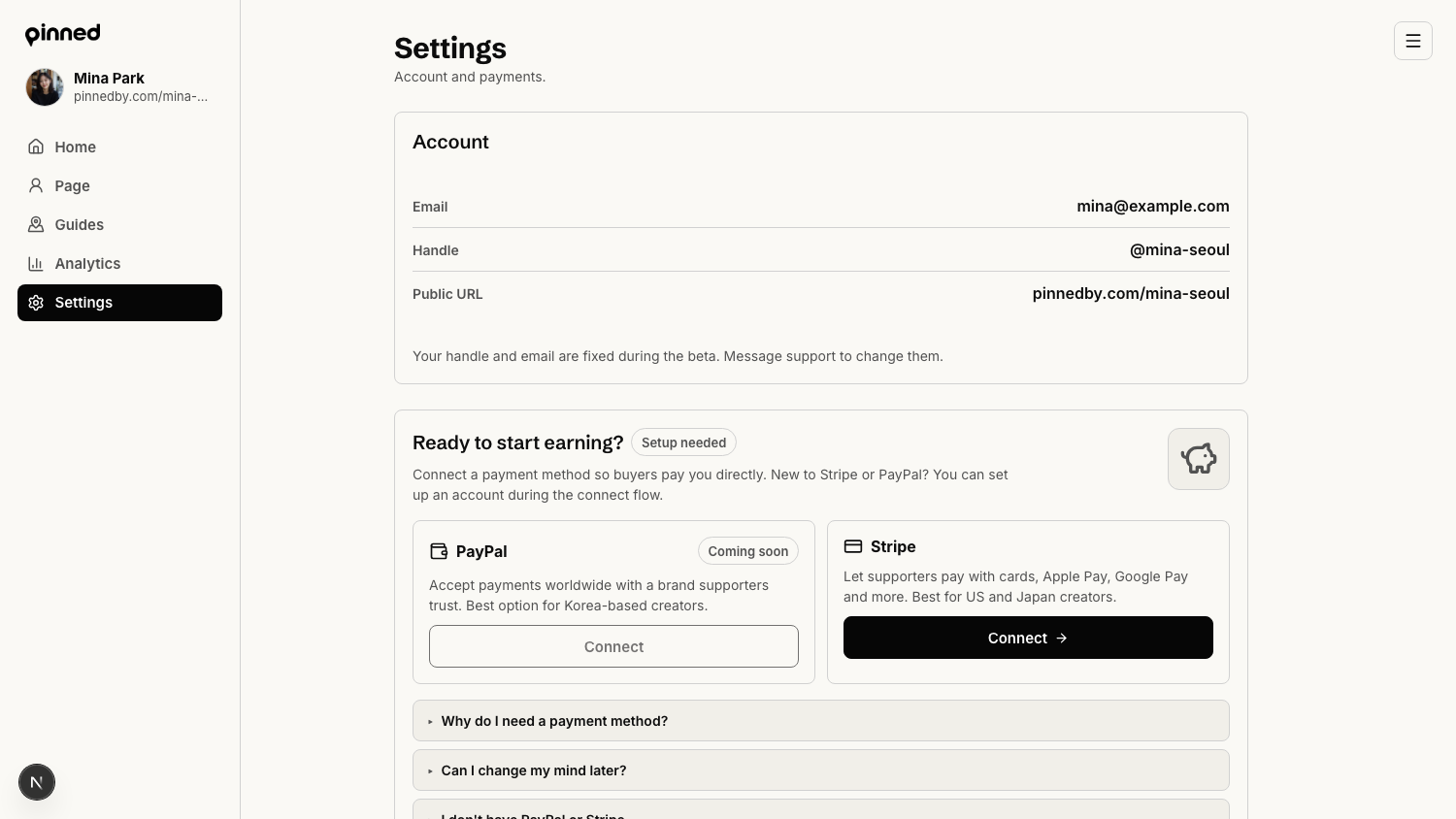
Open payment settings
Payments live in the creator console Settings page.
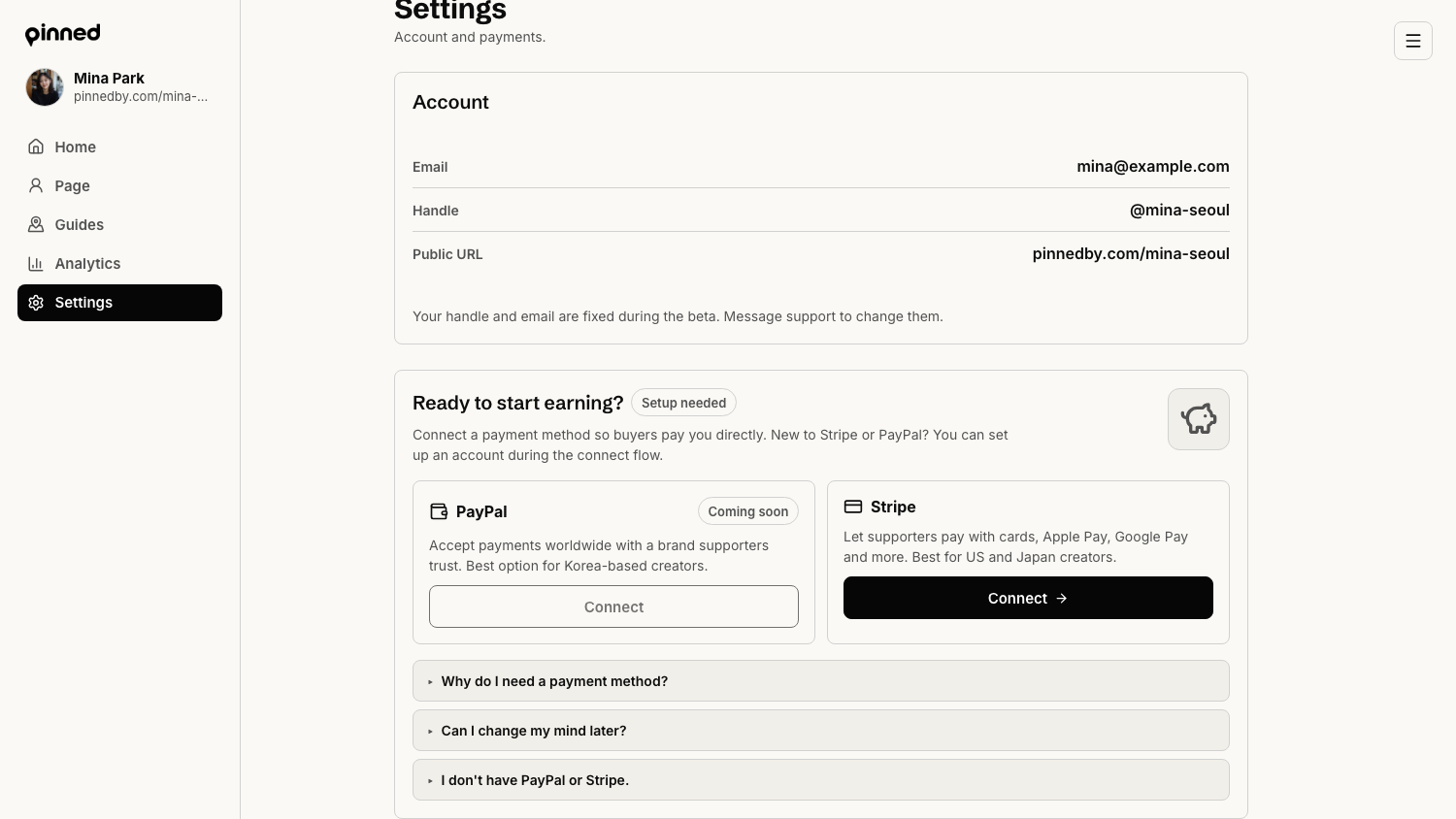
- Log in to the creator console.
- Open Settings from the left navigation.
- Find the Ready to start earning panel.
- Use Stripe for card, Apple Pay, Google Pay, and other supported payment methods.
Start Stripe onboarding
Pinned sends you to Stripe's hosted onboarding flow after you click Connect.
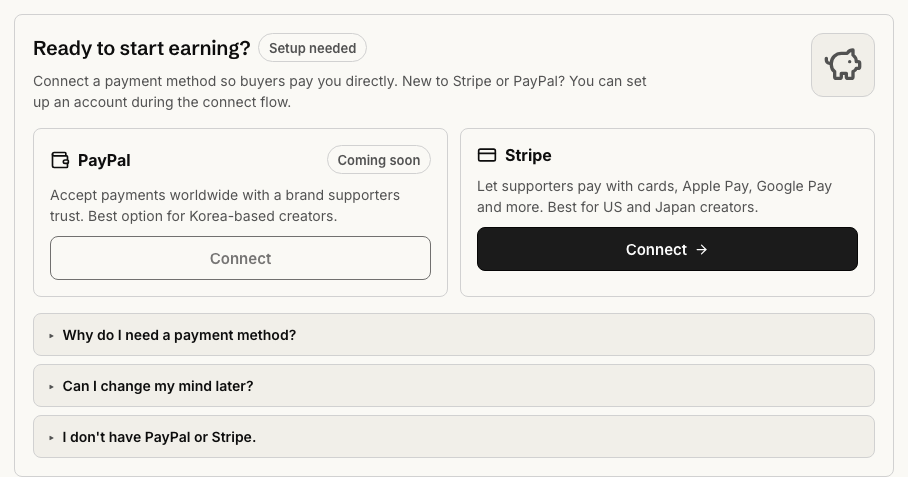
- Click Connect in the Stripe card.
- Create a Stripe account, or sign in to an existing one.
- Complete any required identity, business, bank, and tax details.
- Return to Pinned when Stripe sends you back.
The hosted Stripe screens are outside Pinned. If the Connect button says payments are not configured, ask the Pinned team to enable Stripe for that environment.
Confirm checkout is ready
Stripe can require extra verification after the first pass. Do not launch until the Settings page is clear.
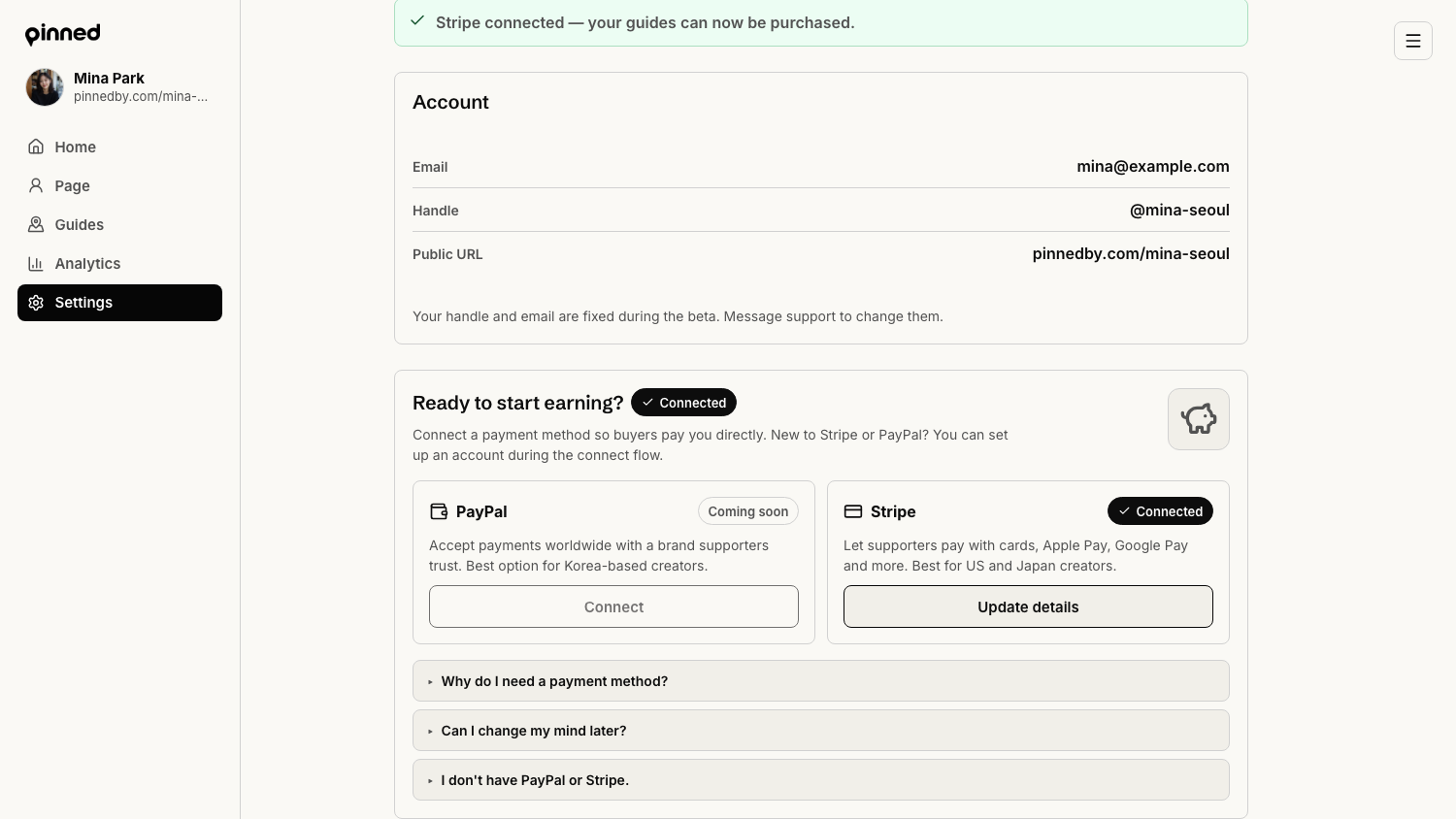
- If the Stripe card says Finish setup, click it and complete the remaining Stripe steps.
- If the Settings page shows a connected status, open one paid guide preview.
- Run a test checkout before putting the link in bio.
- Keep an eye on Stripe emails because payout verification can change.
Done when
The Stripe card no longer shows an unfinished setup state. A paid guide can show the unlock checkout. You know which bank account receives payouts.