
Join the creator beta
Request an invitation and share your Instagram so we can review your fit for the beta.
OutcomeIf invited, you’ll receive a private creator account and setup instructions by email.
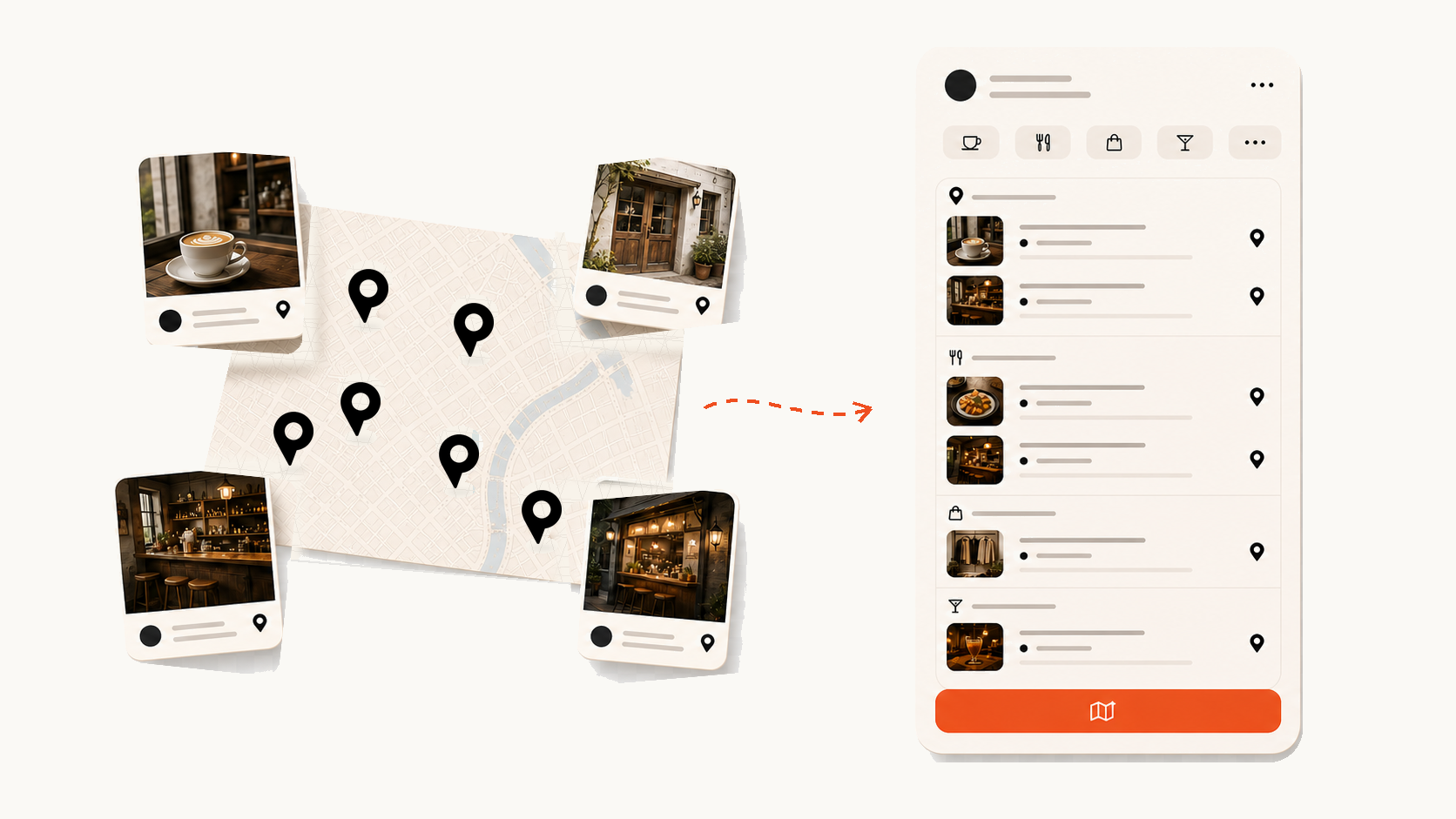
Ask for an invitation
Pinned is working with a small group of travel creators while the product is in beta.
- Open the invitation request page.
- Enter your name, email, and Instagram handle.
- Submit the request. If it’s a fit, we’ll email your private invitation and next steps.
Claim your public link
After you’re invited, your handle becomes the URL you share in bio, stories, newsletters, and DMs.
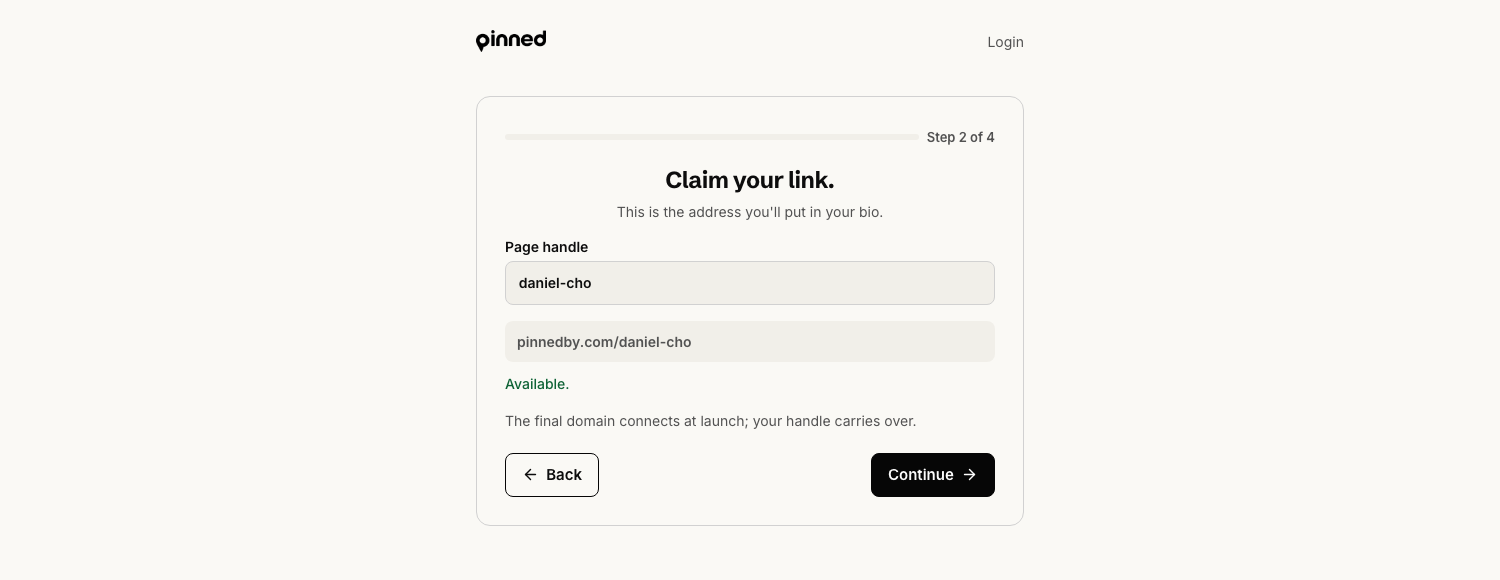
- Use the suggested handle if it matches your creator name.
- If you change it, keep it short and close to your social username.
- Check the URL preview before continuing.
- If the handle is taken, try a city or niche modifier that your audience already knows.
Add the profile details
A clear profile helps buyers trust that the guide came from you.
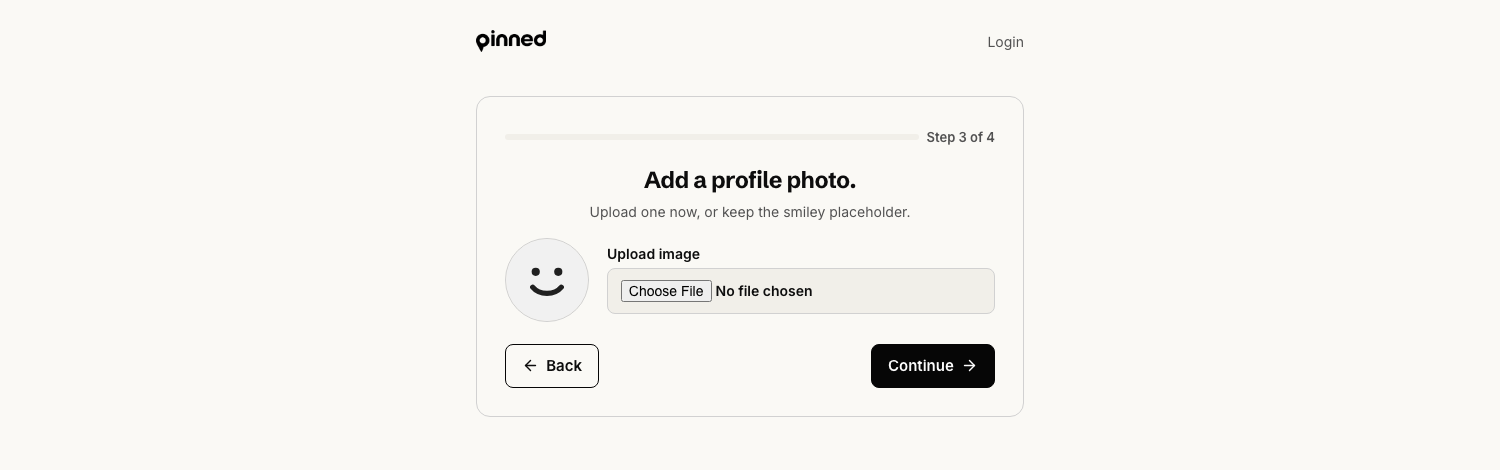
- Upload a recognizable profile photo, or keep the placeholder and update it later.
- Write one or two bio lines that say what kind of recommendations you make.
- Use the private invitation instructions to access your account.
- Confirm that you land in creator onboarding.
Good bio format: city or theme first, then the type of traveler you help.
Done when
You can log in with the private account details you received. Your handle preview looks correct. Your display name and bio sound like your public creator identity.