
Polish places, notes, photos, and preview
Turn imported rows into a useful paid product with groups, creator notes, photos, and locked premium places.
OutcomeThe free preview proves your taste and the locked list feels worth buying.
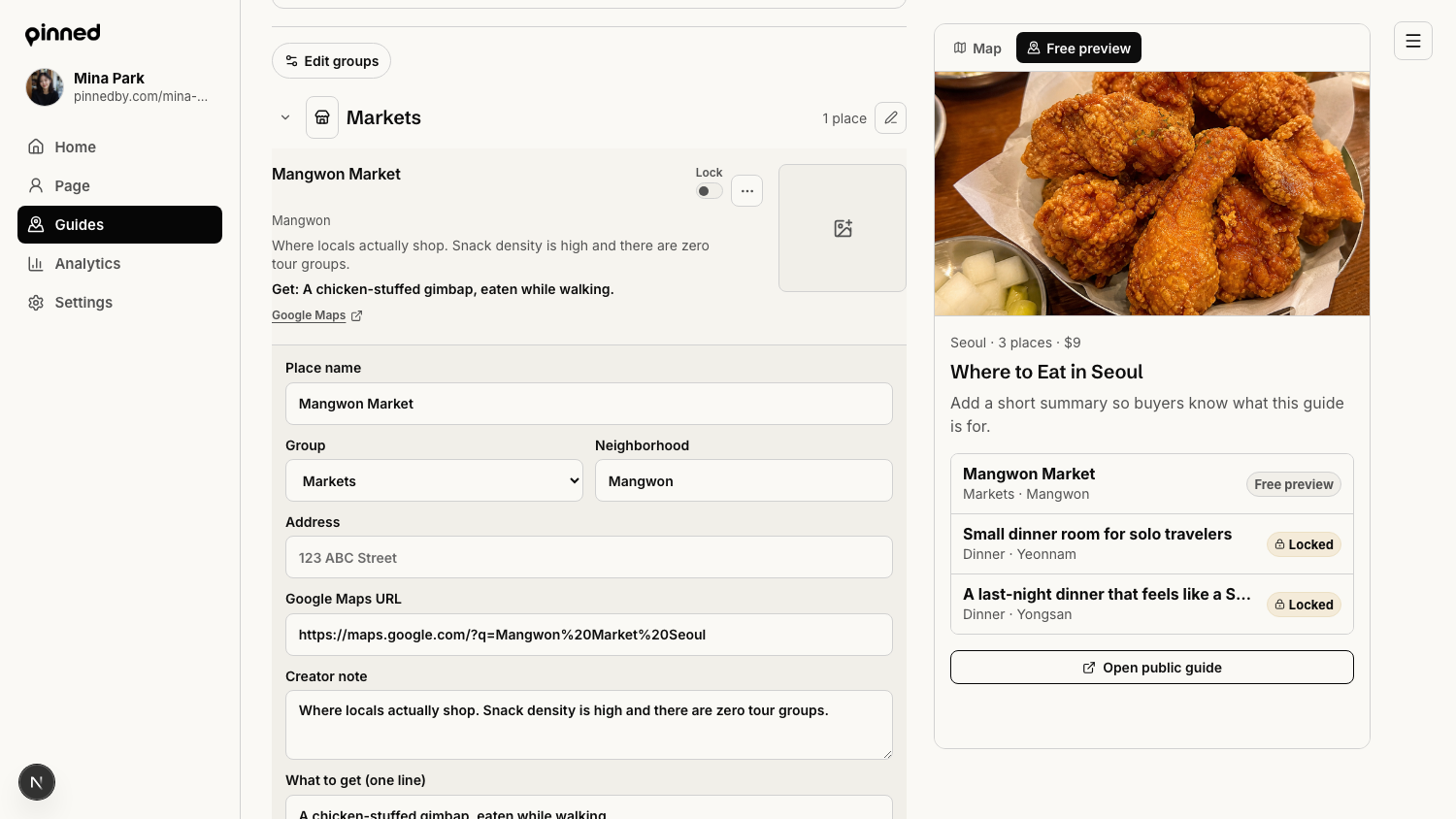
Organize the guide
Buyers scan by category first, so group order matters.
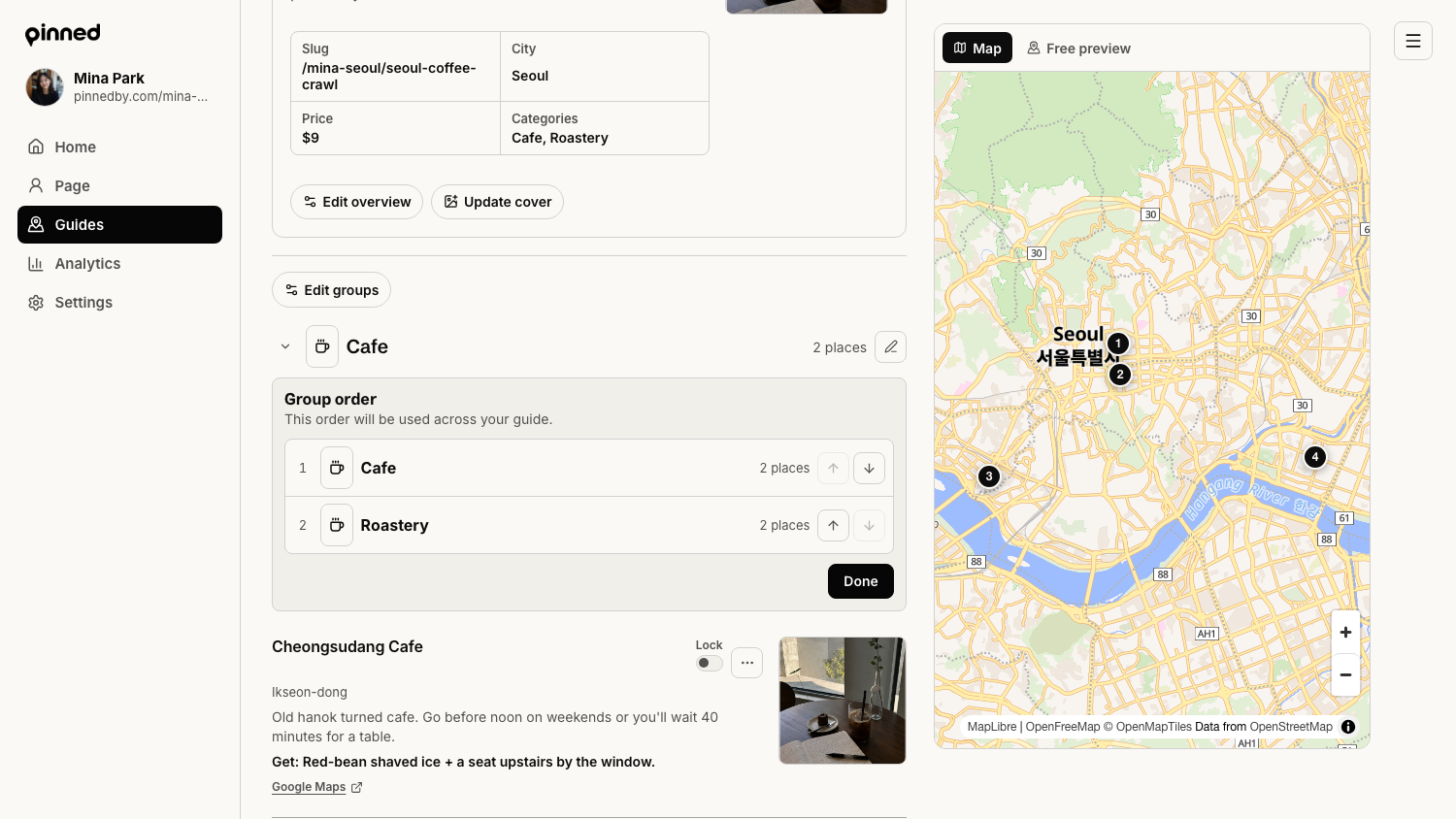
- Open the guide editor.
- Use Edit groups to reorder groups into the most useful buyer sequence.
- Rename vague groups so they read like buyer categories.
- Use category icons when they make scanning easier.
Edit each important place
The place row is where a saved pin becomes creator IP.
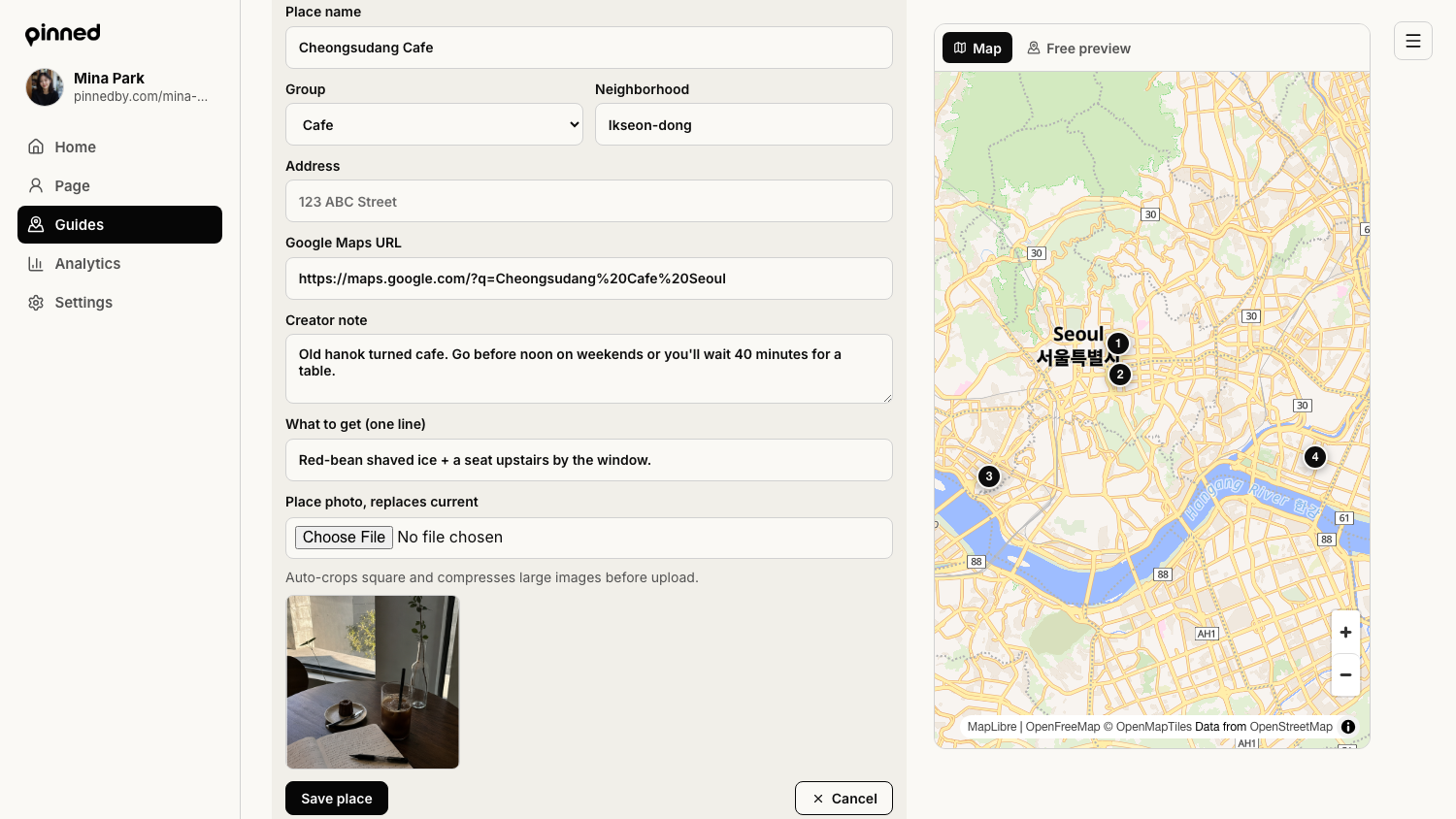
- Open the three-dot menu on a place row.
- Click Edit place.
- Confirm the place name, group, neighborhood, address, and Google Maps URL.
- Write a creator note with what to order, when to go, booking tips, or who it is best for.
- Add a square place photo for your strongest preview and premium spots.
Choose free preview versus locked places
A paid guide should give enough away to build trust, then save the deeper list for buyers.
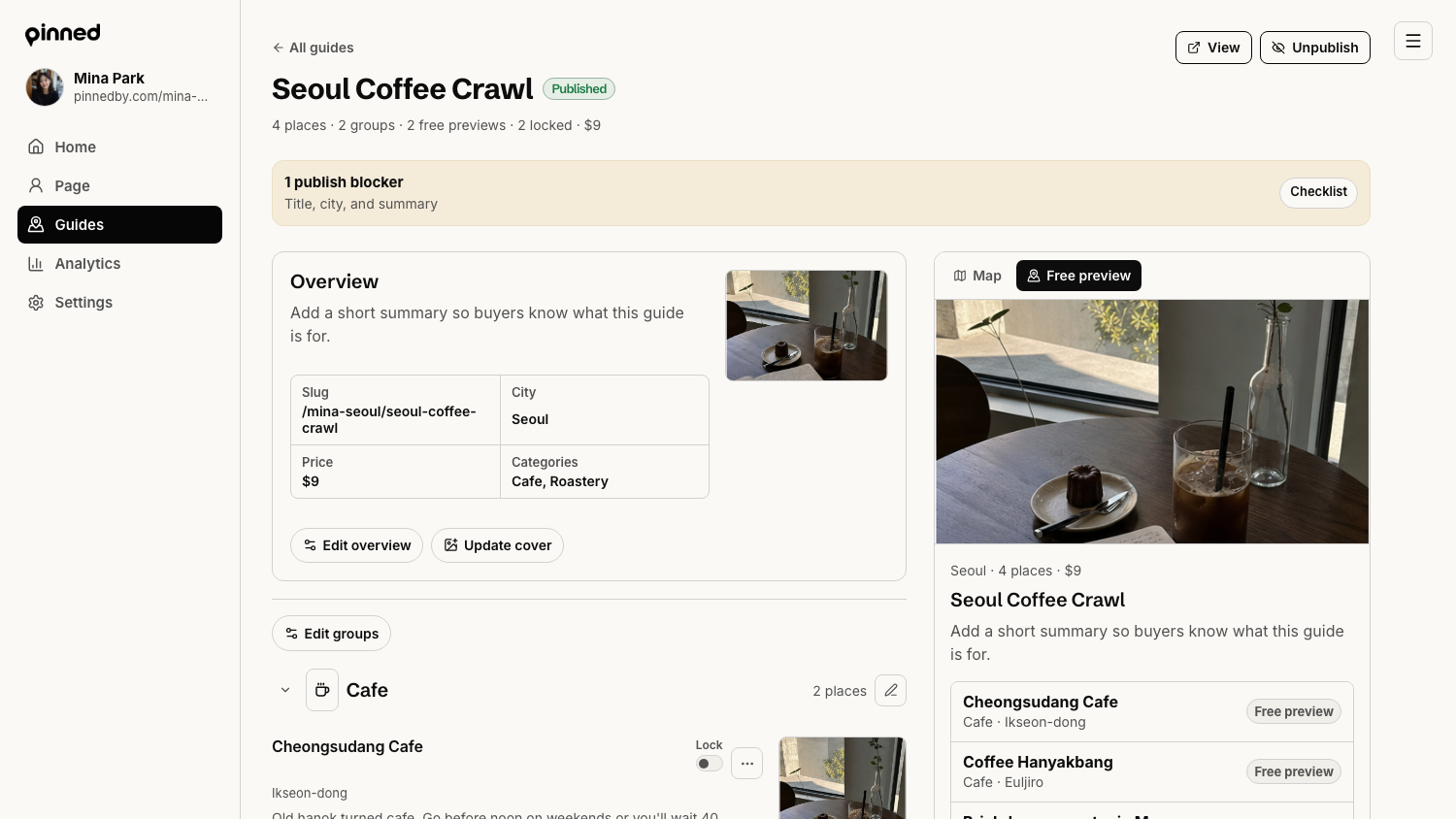
- Use the Lock switch on each place row.
- Keep a few useful places free so the public page is not empty.
- Lock the deeper recommendations, detailed notes, and strongest long-tail picks.
- Use the Free preview rail to check what buyers see before paying.
If the preview is too thin, buyers will not trust the purchase. If it gives away everything, the paid guide has no reason to exist.
Done when
Every important place has a creator note. At least one place is free preview and at least one paid-guide place is locked. Photos are added to the places that carry the buying decision.